Your first week
Three things to try with Kitchen and Calendar.
Kitchen and Calendar are where every invite starts. Each of these is one step, and each one makes the next more useful.
01
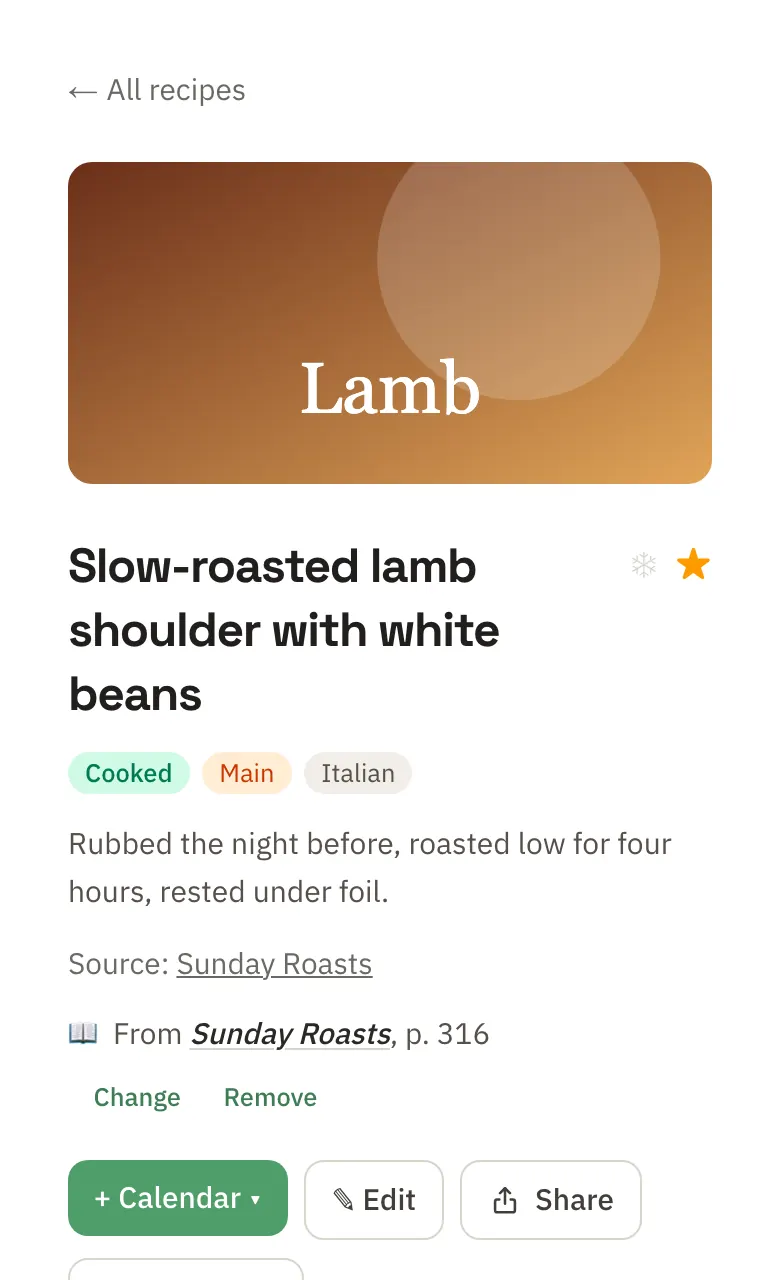
Save a recipe you already cook
In Kitchen, paste its link, photograph the cookbook page or upload the PDF. Junior reads it in, with nutrition per serving.
02
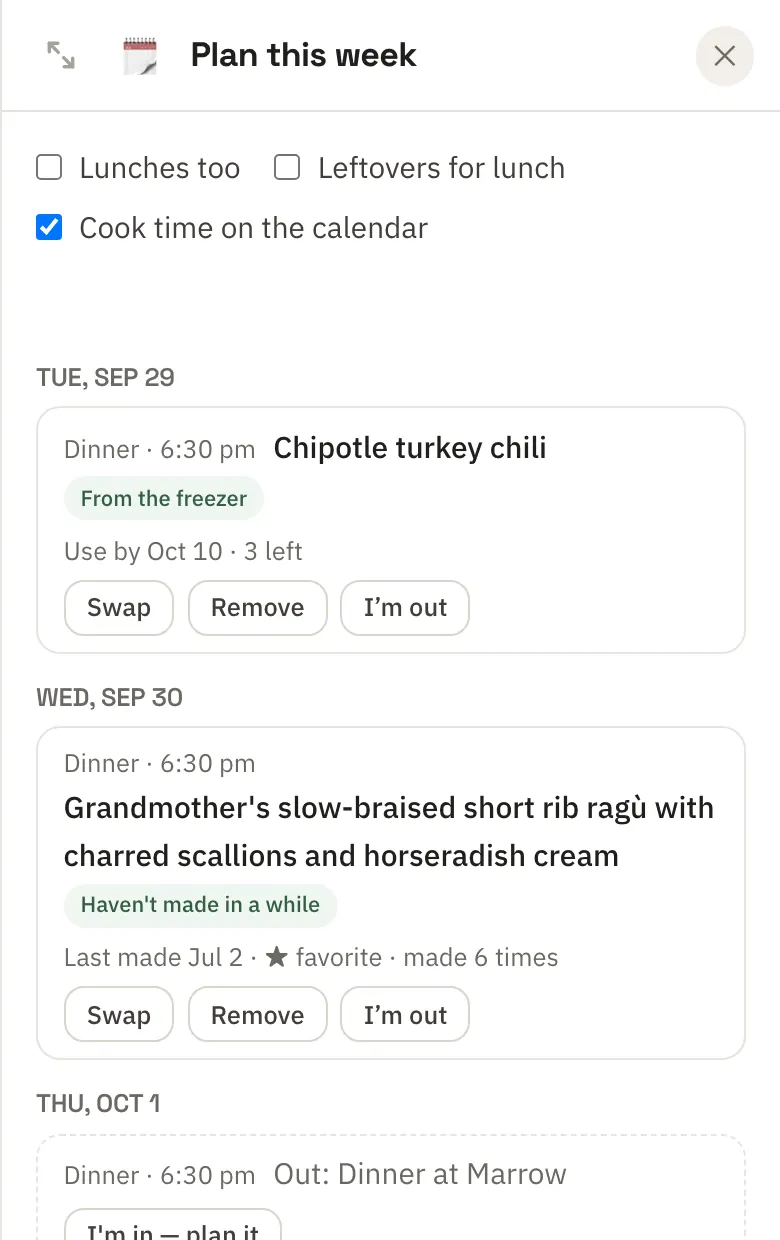
Plan this week's dinners
Open Plan this week. Junior drafts a dinner for each night around your calendar, and one tap turns it into one grocery list.
03
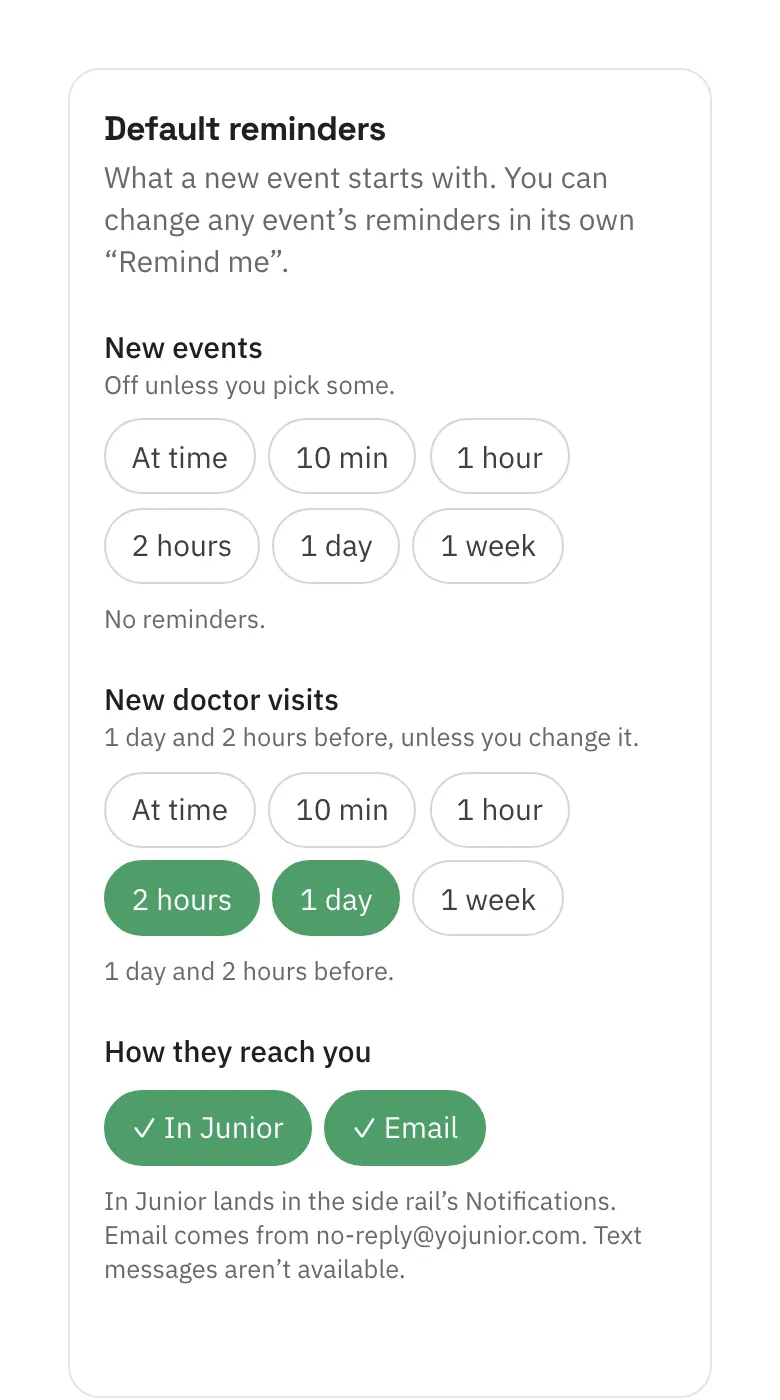
Let the calendar remind you
Open any event and set Remind me, an hour or two before, in Junior and by email.


Everything else (Trips, People, Health, Guides, Fitness, Wine) you turn on when you want it.
The waitlist
Join the waitlist
Junior is invite-only for now. Leave your email and we'll invite you as places open up.
- At most two emails: a confirmation, then your invite.
- Changed your mind? The confirmation email has a Remove me link.
- Independent, and your data isn't sold.
Have an invite? Sign in →